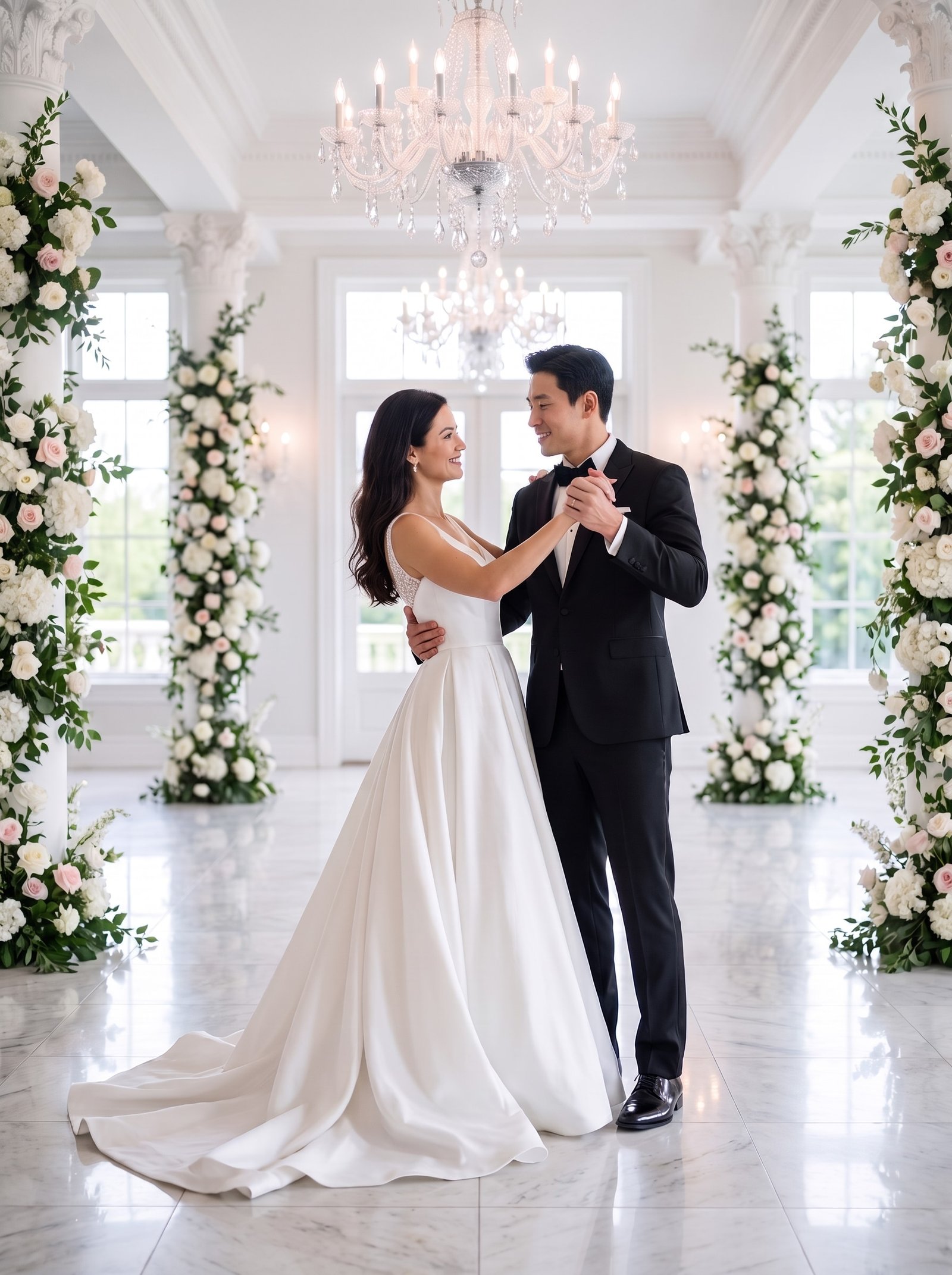
The reception slideshow is the one part of the wedding where guests sit still and look at photos of you, so it is worth an hour of planning. The usual failure modes are length (twelve minutes of childhood photos) and order (random). Here is a structure that works, with numbers.
How long
Four to six minutes. Two songs. Guests’ attention drops sharply after that, and the couple cannot see their own faces in the dark for longer. At four seconds per photo that is 60 to 90 photos; at six seconds, 40 to 60. Forty is a good target.
The structure
- Opening (1 photo). A single pre-wedding frame with your names and the date. Hold it for the first line of the song.
- Childhood, alternating (8 to 10). Four or five of each of you, alternating so nobody’s family feels short-changed. Pick the funny ones; this is where guests laugh.
- Growing up (6 to 8). School, university, travel, the people who will be in the room. Guests love seeing themselves.
- How you met (4 to 6). The earliest photo of you together, the first trip, the first holiday with families.
- The proposal (2 to 3). If you have them. If not, the first photo after.
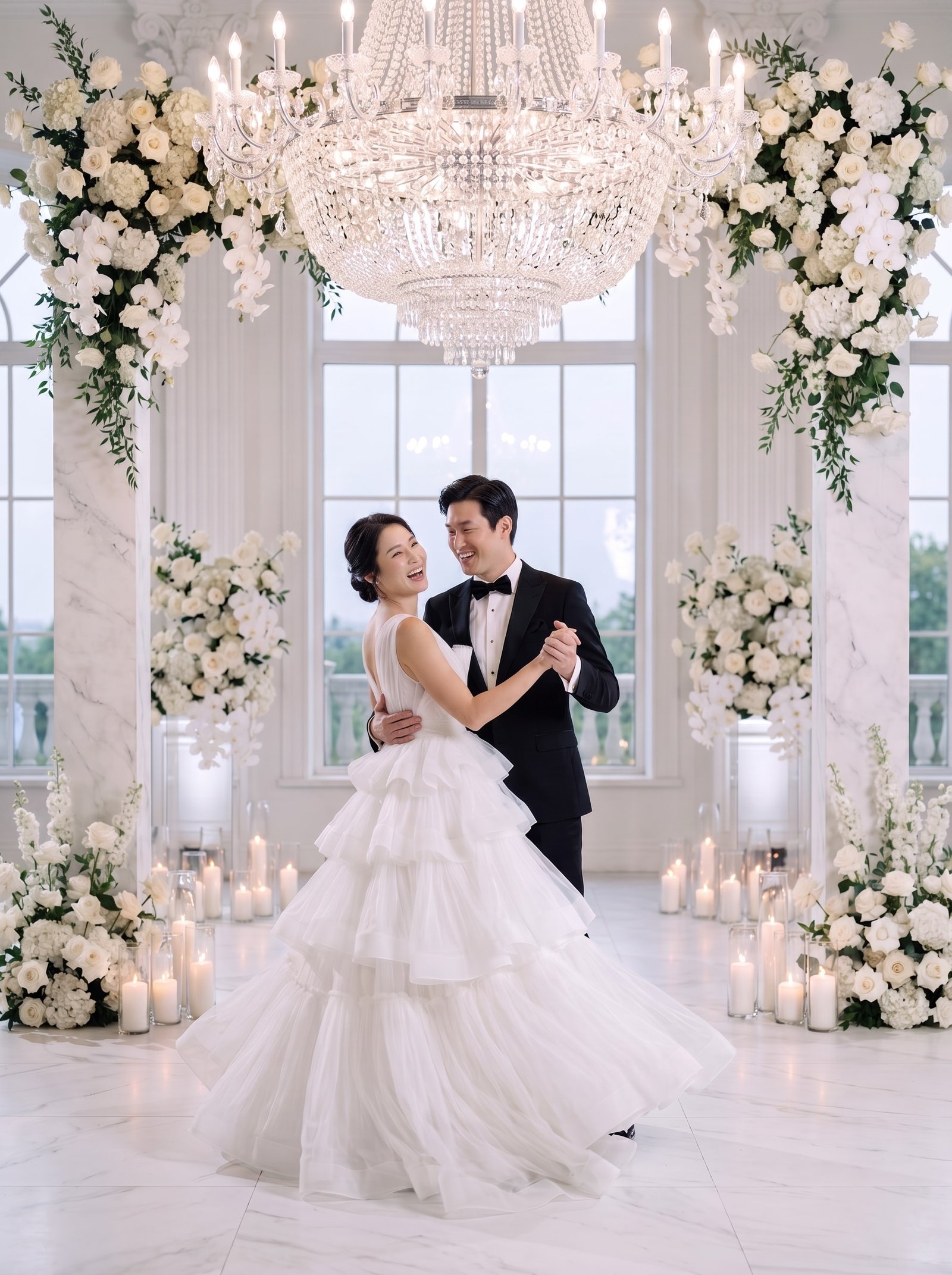
- Pre-wedding photos (8 to 10). The polished section: studio, outdoor, destination frames. Put the strongest at the end.
- Closing (1). One quiet frame, then a thank-you line.
Rules that make it look professional
- One transition. A simple crossfade. No spins, no page curls.
- Consistent crop. Landscape photos fill the screen; for portrait photos use a blurred copy of the same photo as the background rather than black bars.
- No text on photos except the opening and closing frames.
- Two songs, one mood. Upbeat for childhood, warmer for the pre-wedding section. Fade out cleanly.
- Test on the venue’s screen the week before. Resolution, aspect ratio and sound all fail on the day if untested.
Where pre-wedding photos come from
The pre-wedding section carries the emotional peak, so it wants variety: a studio frame, an outdoor frame, a laugh, a destination frame. If you did not have a pre-wedding session, or want the destination frames you could not travel for, AI wedding photos from selfies fill the section in an afternoon. TwoShotPro delivers four finished photos per scene, which happens to be exactly the pacing a slideshow wants.
Tools
Canva, iMovie, Google Photos and CapCut all make a competent crossfade slideshow. Export at 1920×1080 in MP4, put it on a USB stick and on a phone as a backup.
Need the polished frames for the last section?
TwoShotPro makes studio, outdoor and destination photos from selfies in minutes, four per scene. From $29. Free likeness sheet first.