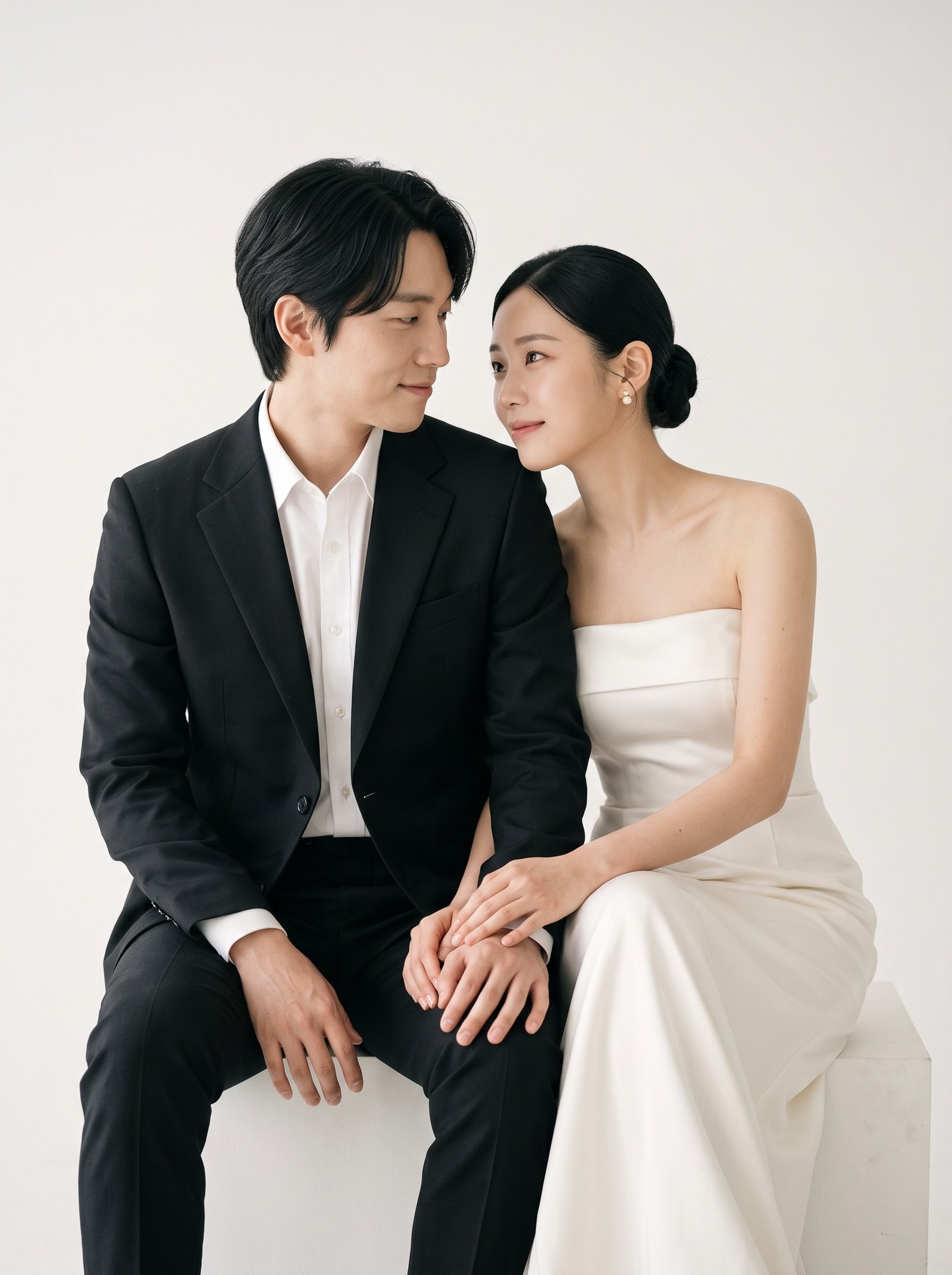
This is the question everyone asks and few services answer plainly, so here it is: sometimes yes, sometimes no, and the difference is mostly decided before the first photo is generated. Below are the five things that determine whether an AI wedding photo looks like you or like a good-looking stranger, and a simple way to find out for free.
1. The selfies you give it
Likeness is built from your input. Three to six sharp, well-lit photos of each face, from slightly different angles, with a neutral expression and a smile, give the model enough to work with. One dim mirror selfie with a filter does not. If you take nothing else from this article: shoot new selfies by a window before you upload.
2. Whether the service shows you the likeness before you pay
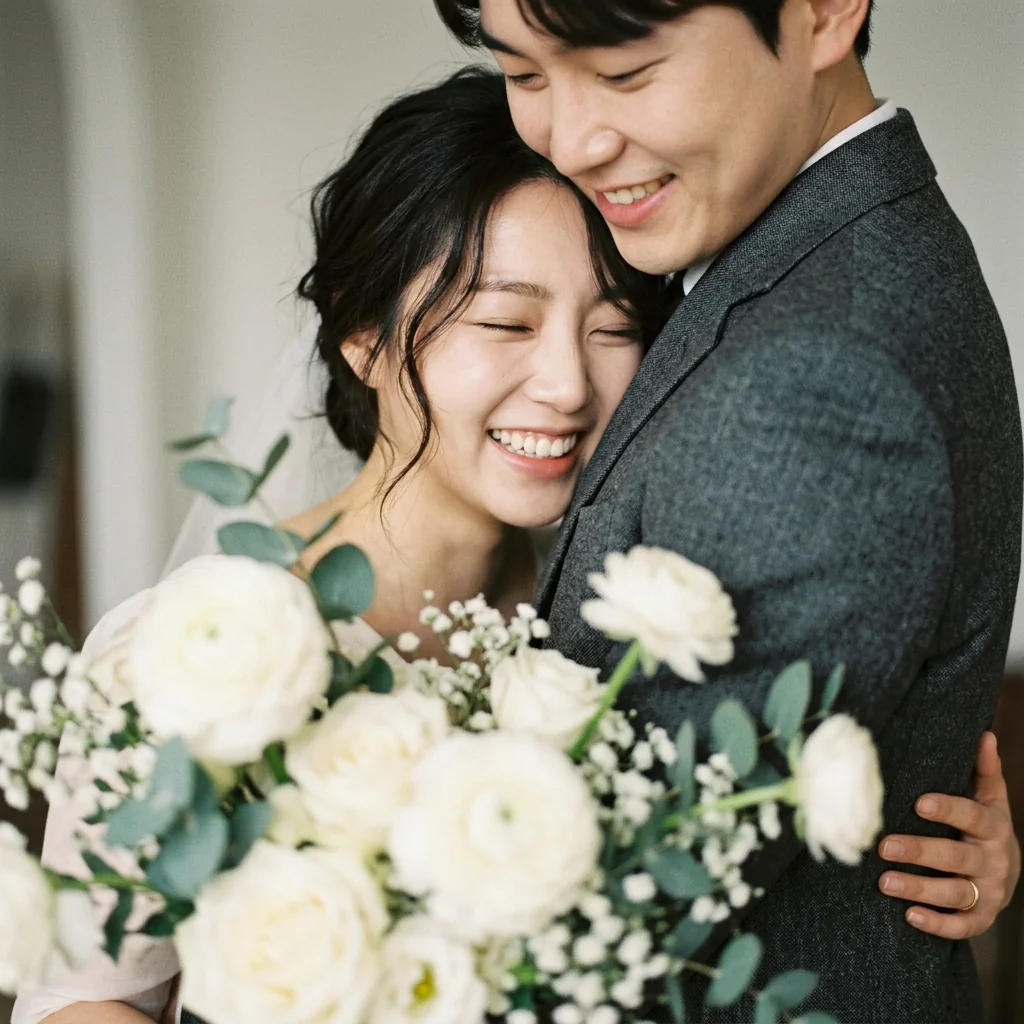
A service confident in its results will let you check the face before generating scenes. TwoShotPro does this with a free identity sheet: three frames of each person, produced from your selfies, that you approve or reject. If it is off, you upload better photos and try again at no cost. Services that go straight from upload to “buy a pack” are asking you to gamble.
3. How the face is handled inside the scene
Older approaches generated a scene and pasted a face on it, which gave the uncanny “floating head” look. Current approaches build the scene around a description of your face, matching light, skin tone and angle. The difference shows most in three-quarter views and in profile, where pasted faces fall apart.
4. Whether every output is checked
Even good models drift on some frames. The better services score each finished photo against your real face and discard or regenerate the ones below a threshold. Ask whether that happens. TwoShotPro scores every frame from zero to ten and only delivers the ones that pass.
5. What you mean by “looks like me”
Be fair to yourself. Studio photos with professional light and retouching also do not look exactly like your bathroom mirror. The right standard is: would your mother recognise you instantly, and would you be comfortable putting it on the invitation? If both are yes, it is working.
How to test it in ten minutes
- Take four selfies each by a window: straight on, slightly left, slightly right, one smiling.
- Upload them to a service that offers a free likeness check.
- Look at the sheet on a phone at arm’s length, not zoomed to 400%.
- Show it to one person who knows you well without saying what it is.
If they say “when did you take that?”, you are done. If they hesitate, retake the selfies.
What to do if it still is not you
Glasses on in every selfie or off in every selfie, not mixed. Remove heavy makeup or beards that are not your everyday look, or keep them consistently. Use recent photos; the model will faithfully produce the you of five years ago if that is what you give it.
Check the likeness free before you buy
Upload a few selfies and TwoShotPro makes a three-frame identity sheet of each of you at no cost. Approve it, then pick scenes. Packs from $29.