Blog

  • Wedding Photo Timeline: When to Shoot Pre-Wedding Photos, Send Invitations and Plan the Day

    Wedding Photo Timeline: When to Shoot Pre-Wedding Photos, Send Invitations and Plan the Day

    Wedding photos have two deadlines most couples discover too late: invitations need photos before they go out, and the reception slideshow needs them edited before the day. Work backwards from those and the rest of the timeline falls into place. Below is the schedule that avoids the common panic points, written for a wedding about nine months out. Compress it proportionally if you have less time.

    9 to 8 months before: decide what you want photos for

    Make a short list: invitation, save-the-date, slideshow, prints, social. Each use wants a slightly different photo. Invitations like a calm vertical studio frame. Slideshows like variety and a few laughing frames. Prints like one wide, cinematic image. Knowing this now stops you from shooting forty near-identical frames later.

    8 to 6 months before: book the day-of photographer

    Good wedding-day photographers book out six to twelve months ahead in most cities. Ask for a full gallery from a real wedding (not a highlight reel), check how they handle low light indoors, and confirm delivery time in writing. Six to twelve weeks is normal.
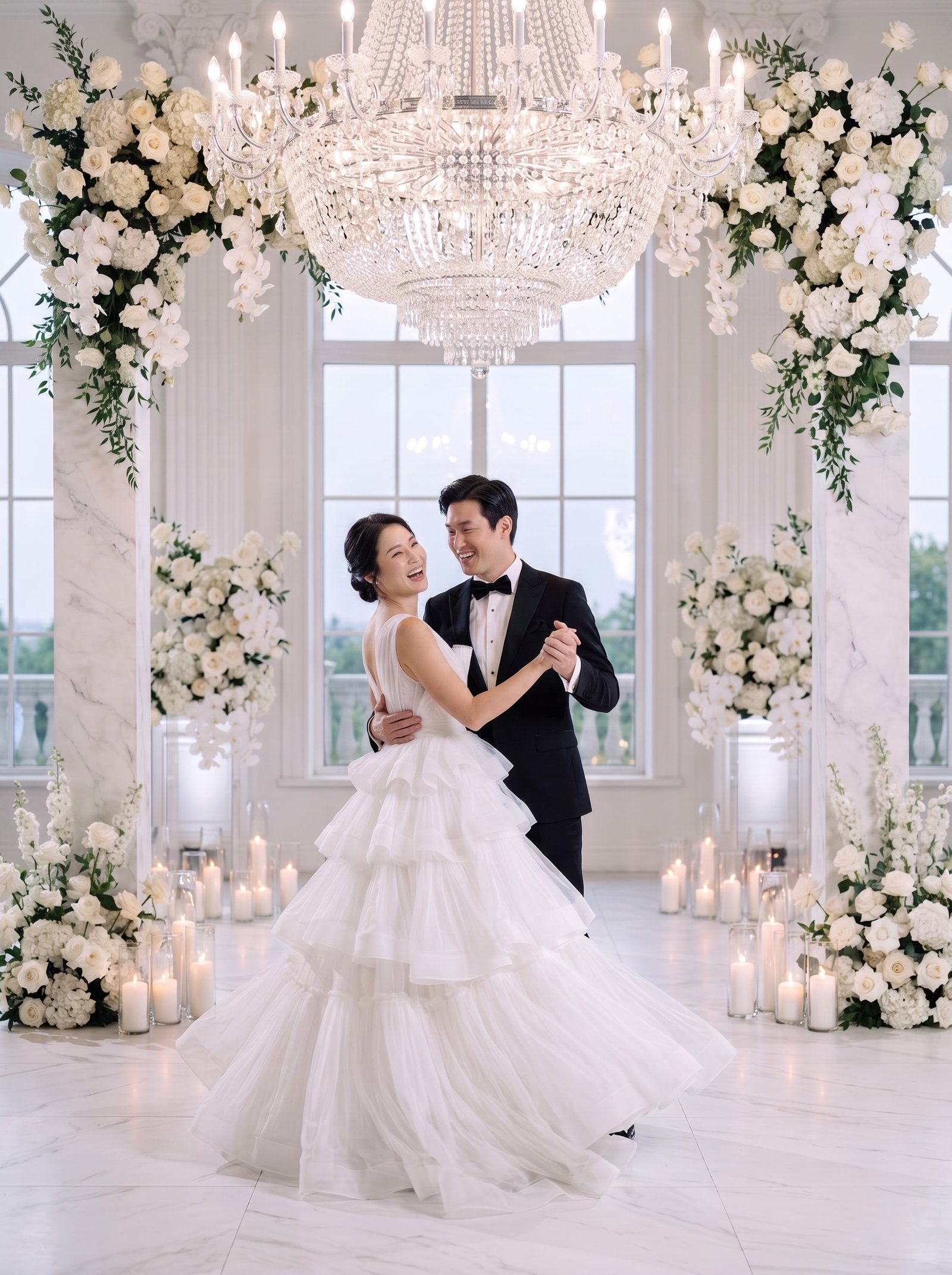
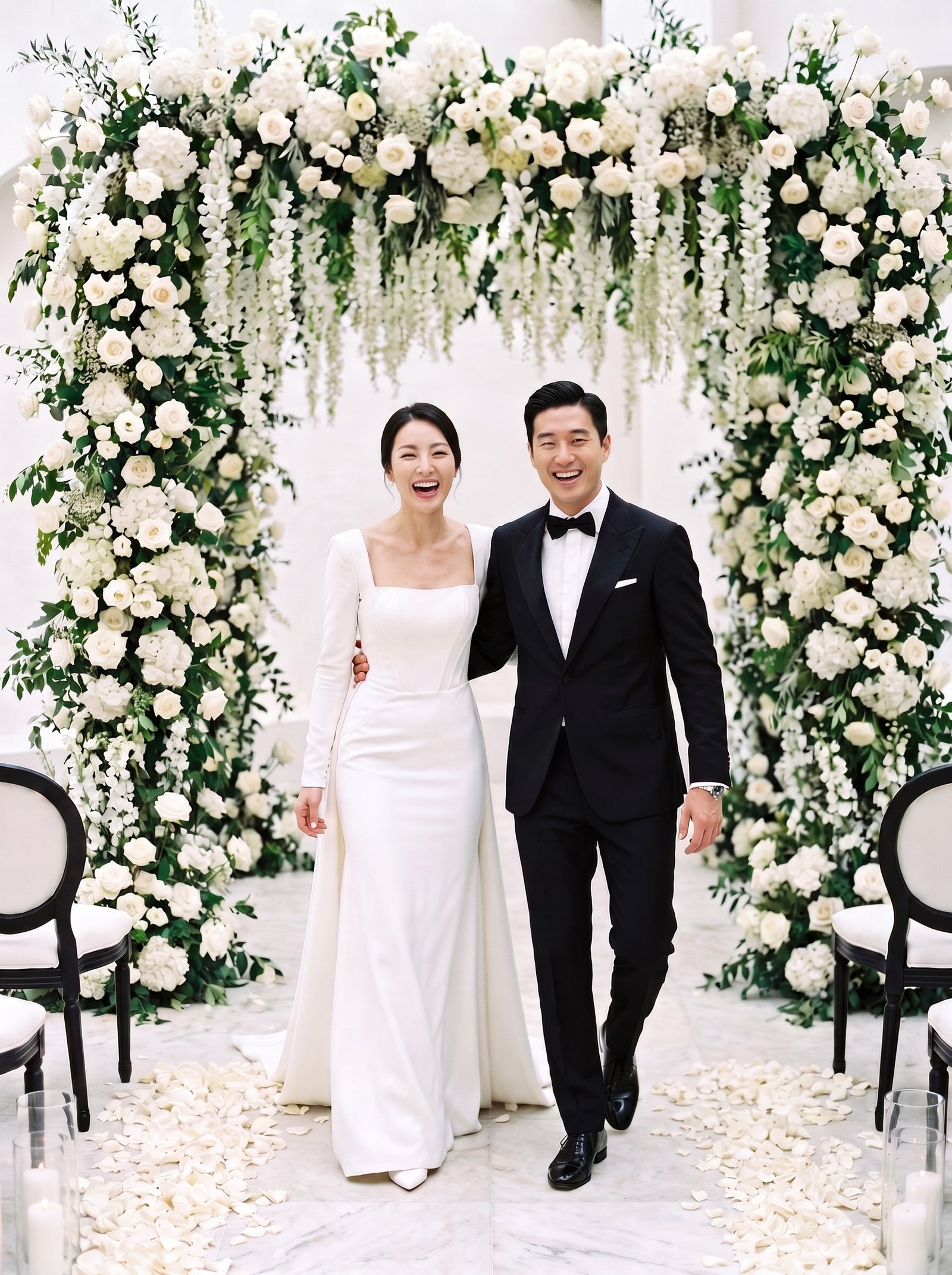
    Couple during their first dance

    6 to 4 months before: pre-wedding photos

    This is the window. Shoot too early and you may not have the dress; shoot too late and invitations wait on the edit. Options:

    • Studio session. Two to four hours, edited photos in two to six weeks.
    • Outdoor session. Book for golden hour, keep a rain date.
    • AI wedding photos. Upload selfies, approve a free likeness sheet, receive finished studio, outdoor and destination frames in minutes. Many couples use this for the invitation and save-the-date, and keep the photographer for the day itself.

    4 to 3 months before: save-the-dates and invitations

    Save-the-dates go out four to six months ahead for destination weddings, three to four otherwise. Formal invitations follow six to eight weeks before the day. Mobile invitations can go slightly later since delivery is instant, but the RSVP deadline should still land three to four weeks before the wedding so the caterer has numbers.

    2 months before: slideshow and prints

    Choose 30 to 60 photos for the reception slideshow, in a rough story order: childhood, how you met, the proposal, pre-wedding photos. Order any large prints now; framing takes longer than you think.

    The day itself: how much time photos really take

    Moment Time to allow
    Getting ready (details, dress, first look at self) 60 to 90 min
    First look and couple portraits 45 to 60 min
    Family formals 30 min for up to 10 groupings
    Wedding party 20 to 30 min
    Golden-hour couple frames during reception 15 min, leave the table together

    The single best decision for wedding-day photos is a first look before the ceremony. It moves an hour of portraits into the calm part of the day and lets you actually attend your own cocktail hour.

    After the wedding

    Thank-you cards with a wedding photo go out within three months. If your photographer’s gallery is not back yet, a pre-wedding frame works just as well.

    Behind on invitation photos?

    TwoShotPro turns a few selfies into a finished studio set in minutes, so invitations can go out on time. Packs from $29, mobile invitation included free.
    Try TwoShotPro →

  • Mobile Wedding Invitations: What to Include (with a Free Template)

    Mobile Wedding Invitations: What to Include (with a Free Template)

    Mobile wedding invitations have gone from “the thing you send to friends who lost the paper one” to the main invitation for most couples under forty. They are free or nearly free, they carry a map and an RSVP, and they can be updated when the venue changes the parking instructions. Here is what a good one contains, in the order guests actually read it.

    The nine essentials

    1. A photo of you two. Above the fold. Guests open the link, see your faces, and know it is real. A clean studio or outdoor couple photo works best on a phone screen; busy backgrounds turn into noise at that size.
    2. Your names. Both, in the order you prefer, with the family names spelled out if guests come from different countries.
    3. Date and time, written twice. Once in words (“Saturday, 14 March 2026, 2 pm”) and once as an add-to-calendar button.
    4. Venue name and address. With a map link that opens in the guest’s own maps app.
    5. A short message. Three to five lines. Who you are, how you met if you like, what the day means. Longer than that and nobody reads it.
    6. Parents’ names. Optional in some cultures, essential in others (Korean, Chinese and many South Asian invitations lead with them).
    7. RSVP. A button, a deadline, and a place for dietary notes.
    8. Gift information. A registry link, or in many Asian countries a bank account section for cash gifts. Keep it on its own screen that guests tap into, not on the front.
    9. Contact. One phone number or email for questions that are not about the couple’s love story.
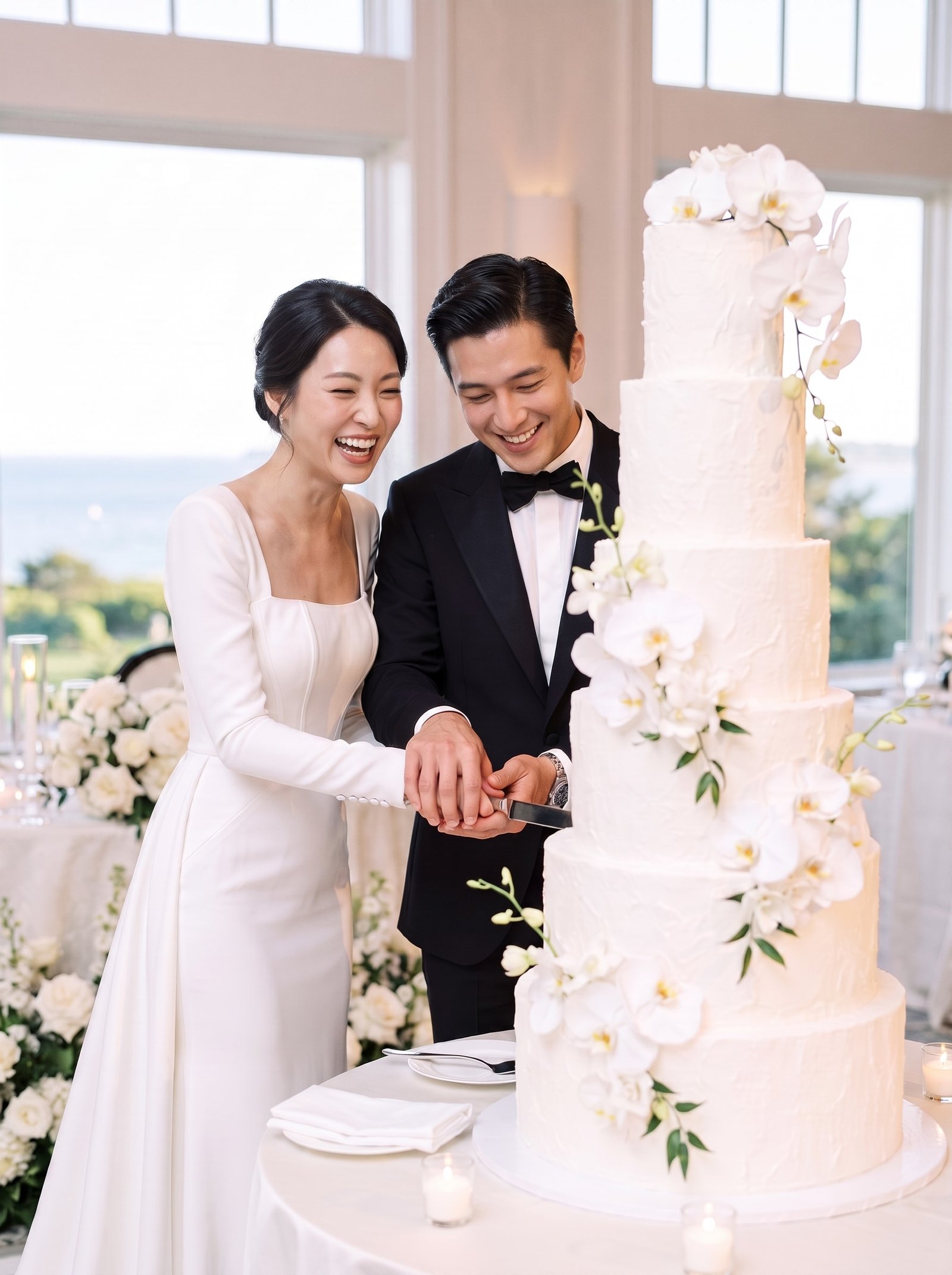
    Couple cutting a wedding cake

    Three things to leave out

    • Autoplay music. Guests open invitations on trains and in meetings.
    • A twenty-photo gallery. Four to six photos is plenty. Save the rest for the reception slideshow.
    • Countdown timers. They look dated and nobody needs the pressure.

    Picking the photos

    You need one hero photo (vertical, faces in the top half, calm background) and a few supporting frames. If you have not had a pre-wedding shoot, or it is weeks away and invitations need to go out now, this is the most common reason couples try AI wedding photos: a studio frame for the invitation in an afternoon.

    Wording that works on a phone

    Short lines. Line breaks after every sentence. Numbers as numerals. If your guests speak two languages, put both on the same screen rather than making them switch. Example:

    Together with our families,
    Mina Kim and Daniel Park
    invite you to celebrate our wedding.
    Saturday, 14 March 2026, 2:00 pm
    The Glass House, 12 Riverside Road
    Reception to follow.

    Where to make one for free

    TwoShotPro includes a free mobile invitation with every account: twelve designs, an RSVP, a map, the gift section, and a shareable link. It is built to use the photos you generate there, but you can upload your own too. It is one less thing to pay for, and it takes about ten minutes.

    Make your mobile invitation free

    Twelve designs, RSVP, map and gift section, ready to share by link. Add photos from your pre-wedding shoot or generate a studio set from selfies in minutes.

    Try TwoShotPro →

  • AI Wedding Photos Explained: How Selfies Become a Studio Shoot (2026 Guide)

    AI Wedding Photos Explained: How Selfies Become a Studio Shoot (2026 Guide)

    “AI wedding photos” gets searched a lot and explained badly. Half the articles are written by people selling something, the other half by people who tried a free app in 2023 and got six fingers. Here is what the process actually looks like today, what you can reasonably expect, and the questions worth asking before you spend money.

    What you upload

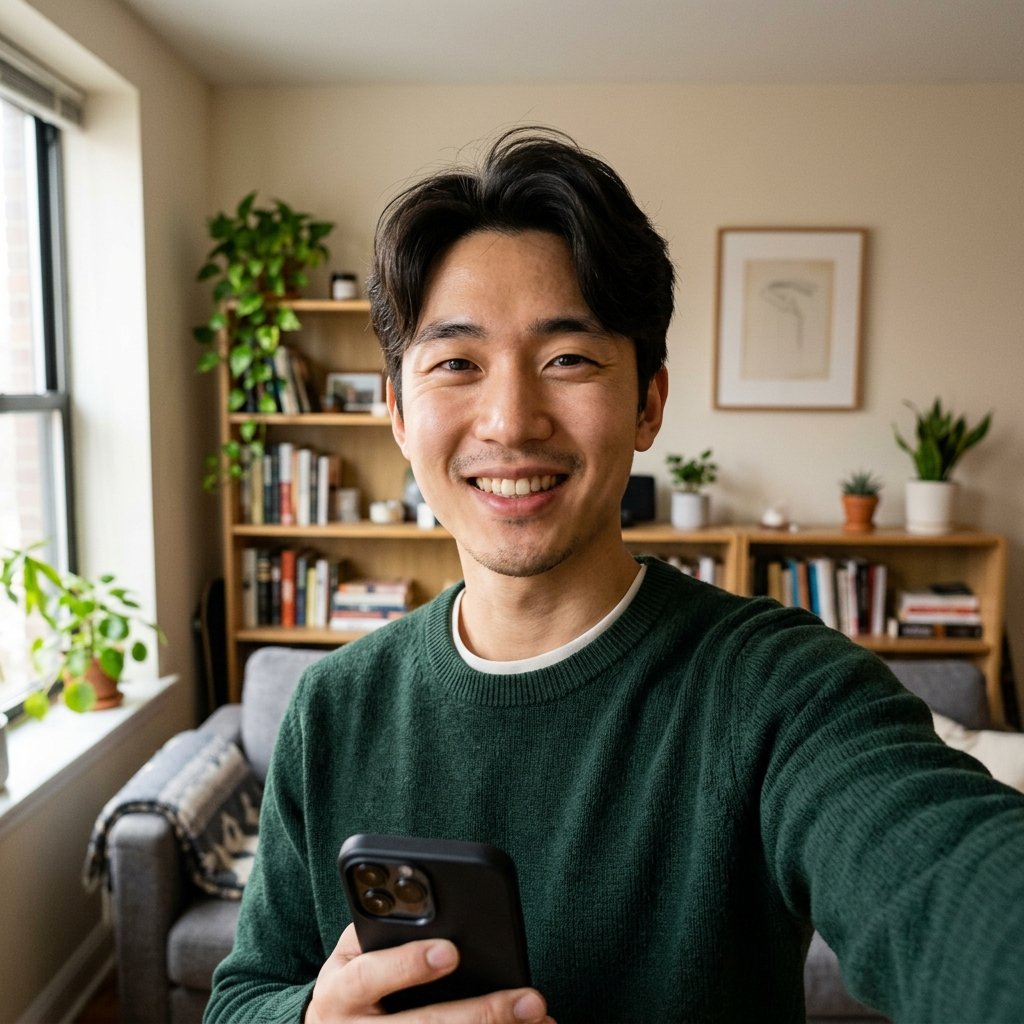
    A modern AI wedding photo service asks for a few photos of each person’s face: ideally three to six clear selfies in daylight, without sunglasses, hats or heavy filters. Some services also ask for a full-body photo for proportions. You do not need professional photos to start; a phone selfie by a window works.

    Ordinary phone selfie used as input

    What the model does with them

    The system studies the faces in your photos and builds an internal description of each person: the shape of the eyes, the bridge of the nose, jawline, hairline, skin tone, the way you smile. That description, not the pixels of your selfie, is what gets placed into a new scene. The scene itself (a white Korean studio, a garden arch, a Santorini terrace) is generated around the two of you with matching light and shadows, which is why the result does not look like a cut-and-paste.

    The step that separates good services from bad ones

    Likeness. The single most common complaint about AI couple photos is “it looks like an attractive stranger”. The better services deal with this up front. TwoShotPro, for example, first produces a free three-frame identity sheet of each of you. You look at it and decide whether it is really you before any credit is used. If it is not, you upload better selfies and try again. Only after you approve does it generate the actual scenes, and it scores every finished frame against your real face before delivering it.

    Finished AI wedding portrait generated from the selfie

    What you get back

    • High-resolution finished photos, usually four per scene, in colour or a film-tone black and white.
    • Delivery in minutes rather than weeks. TwoShotPro renders a pack in about two to ten minutes.
    • No watermark on paid photos, and downloads you own.

    What AI still does not do well

    Be realistic. Hands holding small objects, text on signs, and exact copies of a specific dress you own are still hit and miss. Very large groups are hard. And if your selfies are blurry or all from the same angle, the likeness drops. The tools are excellent at the two-person portrait, which is exactly what wedding and couple photos are.

    Questions to ask before paying

    1. Can I see and approve the likeness before I pay for scenes?
    2. Is pricing per pack or a subscription I have to cancel?
    3. Do the photos come without a watermark and at print resolution?
    4. Are my selfies used to train anything, and can I delete them?
    5. Is there a human to email if something goes wrong?

    Who it is for

    Couples who want a studio-quality set for the invitation and the reception slideshow without a studio budget. Couples living far from family who want traditional-attire photos. Anyone who hates being posed. And couples who already booked a photographer but want the destination frames they could not fly to.

    See it with your own face, free

    TwoShotPro makes a free identity sheet from your selfies so you can judge the likeness before you buy a pack. Packs start at $29 for 12 photos.

    Try TwoShotPro →

  • 20 Couple Photoshoot Poses for People Who Hate Posing

    20 Couple Photoshoot Poses for People Who Hate Posing

    Most people do not photograph badly. They photograph badly when someone says “okay, now pose”. The fix is to give your hands and eyes a job, so there is nothing left to be awkward about. The twenty poses below are sorted from “no eye contact needed” to “look at the camera”, so you can start where you are comfortable and work up.

    Level 1: nobody looks at the camera

    1. Back hug, eyes closed. One person behind, arms around the waist. Both close their eyes. Breathe out. Shoot.
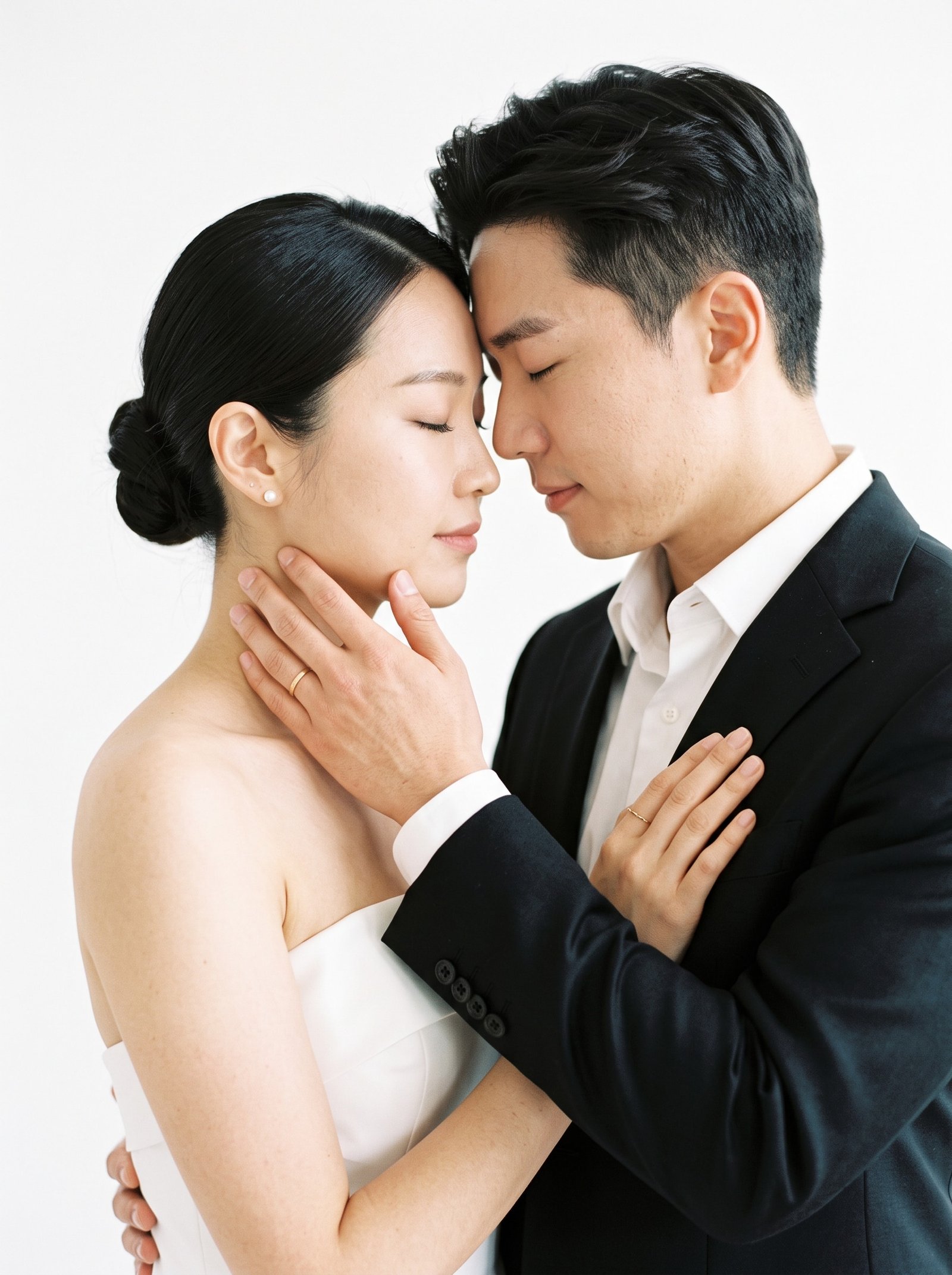
    2. Forehead to forehead. Stand close, touch foreheads, look down at each other’s lips. The instruction that fixes it: “smile with your mouth closed”.
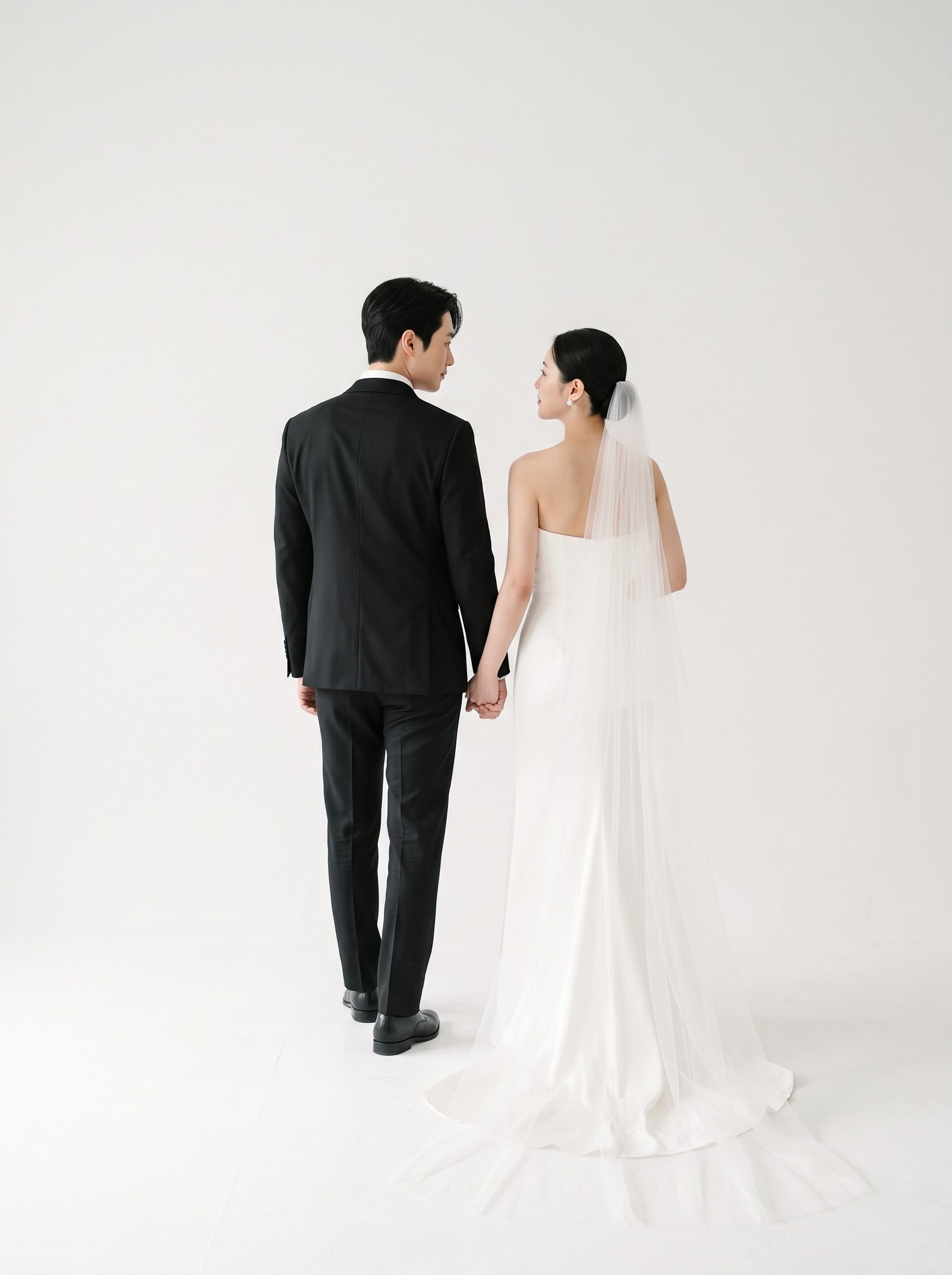
    3. Walk away holding hands. Ten slow steps away from the camera. Nobody looks back the first time.
    4. The whisper. One person tells the other something ridiculous. The reaction is the photo.
    5. Fix the collar. She adjusts his collar or tie; he watches her hands.
    6. Read together. A book, a phone, a menu. Heads close, eyes on the page.
    7. Sit back to back. On the floor or a low wall, leaning on each other. Look at the sky.
    Couple touching foreheads

    Level 2: one person looks at the camera

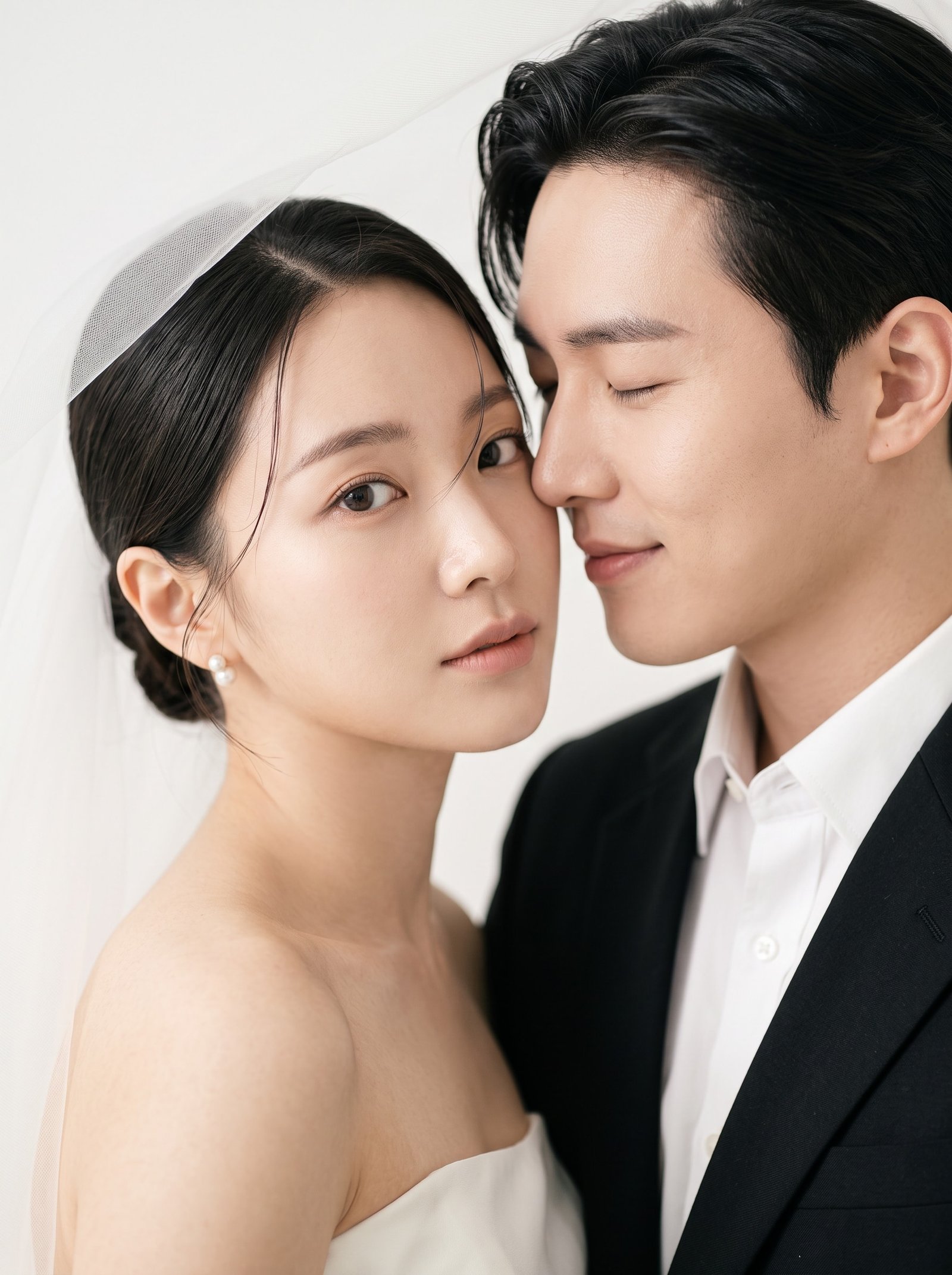
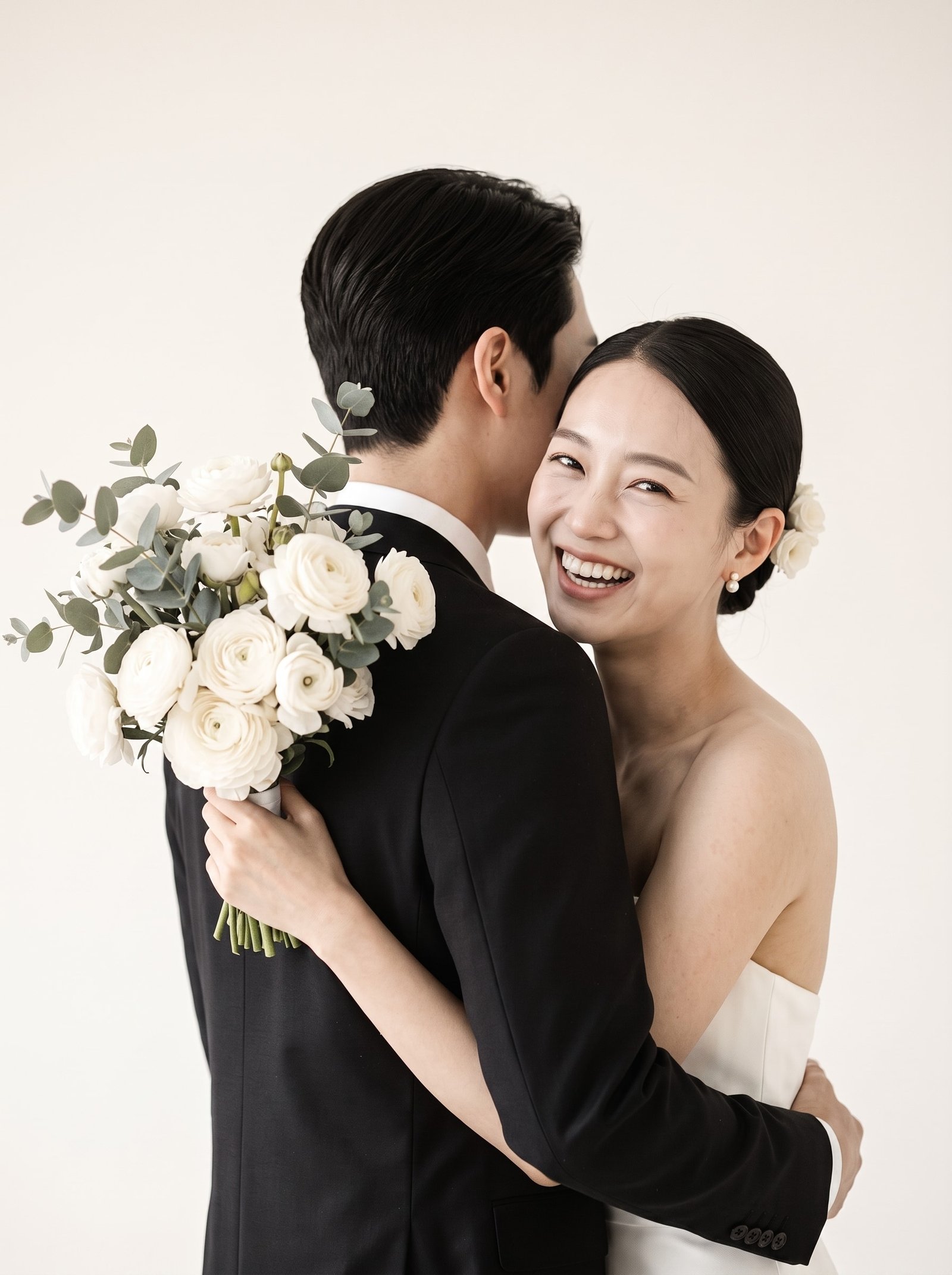
    1. Cheek kiss, she looks. He kisses her cheek, she looks straight into the lens with a small smile.
    2. Over the shoulder. Walk away, one person turns back on the count of three.
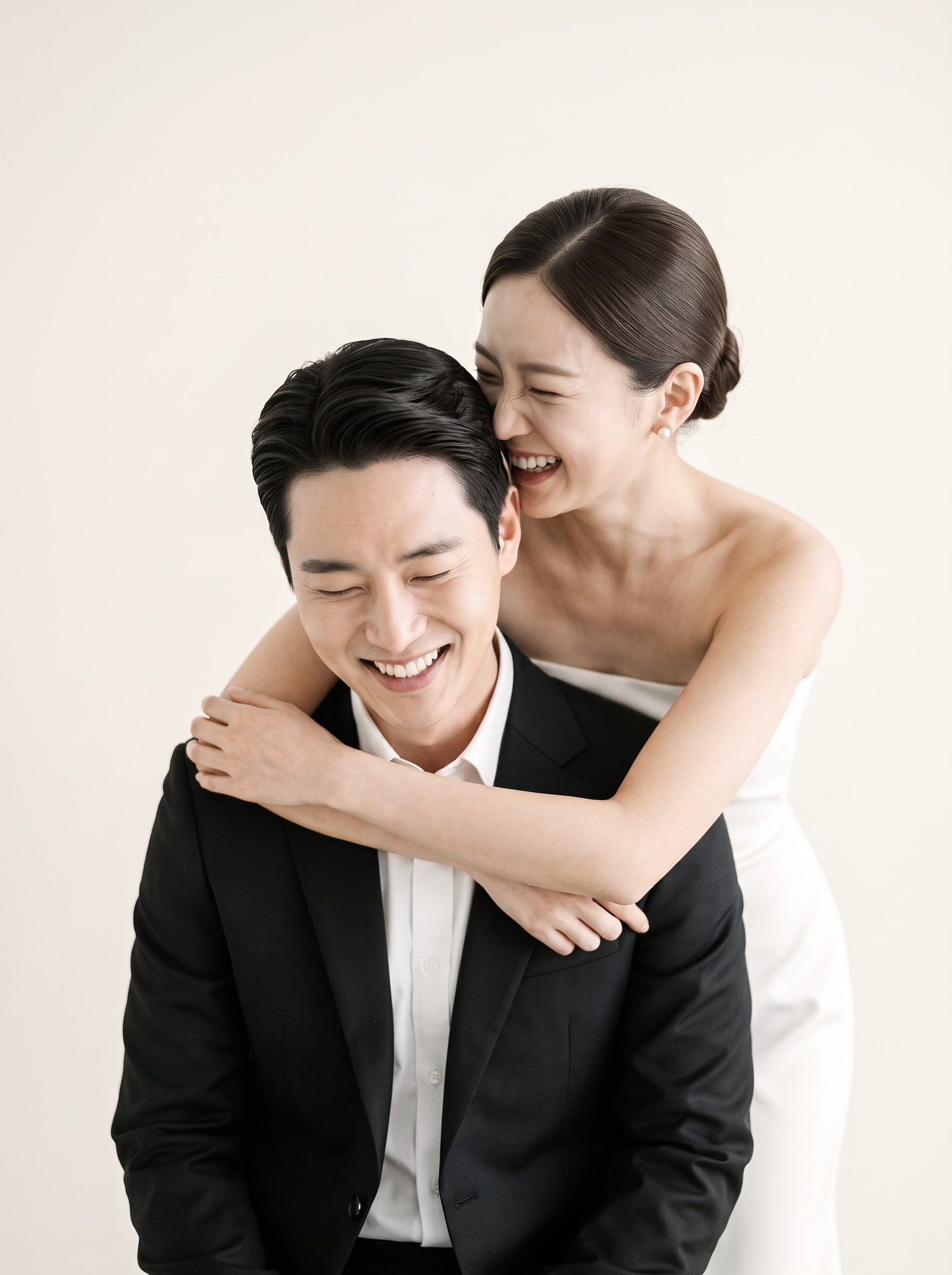
    3. Piggyback. The one being carried looks at the camera. The one carrying looks at the ground and laughs.
    4. Chin on shoulder. She rests her chin on his shoulder from behind and looks at the lens; he looks off to the side.
    5. Bouquet peek. Bouquet up to cover his face, she looks out from beside it.
    6. The hand hold with a turn. Hold hands at arm’s length, one person turns toward the camera as if pulled.

    Level 3: both look at the camera

    1. Cheek to cheek. Press cheeks together, both look. Tilt heads slightly toward each other.
    2. The seated pair. One chair. One sits, one stands behind with a hand on the shoulder.
    3. Arms crossed, shoulders touching. Confident, editorial, good in a suit and a slip dress.
    4. Umbrella frame. Share an umbrella and let the edge cut the top of the frame.
    5. The lift. Carry her in front of you. Everyone laughs, that is the frame.
    6. Walking toward the camera. Talk to each other while you walk. Eyes come to the lens naturally on the last step.
    7. The formal. Stand straight, hands joined in front. One frame like this belongs in every set for the parents.
    Couple walking away from camera holding hands

    Three rules that fix most stiff photos

    • Give hands a job. Hold a bouquet, a jacket, a coffee, the other person. Empty hands look nervous.
    • Shift weight to one leg. Straight, even weight looks like a passport photo. Bend one knee.
    • Exhale before the shutter. Everyone holds their breath. Breathe out and the shoulders drop.

    Posing is optional now

    If the idea of being directed for two hours is the reason you have not booked anything, there is another route. TwoShotPro generates couple and wedding photos from a few selfies, including all the poses above, so the only thing you actually have to do is take a clear photo of your face. You approve a free likeness sheet first, then choose the scenes.

    Want photos like these without booking a studio?

    TwoShotPro turns a few selfies into studio, outdoor and destination wedding photos in 2 to 10 minutes. Packs start at $29, and the mobile invitation is free.

    Try TwoShotPro →

  • 25 Pre-Wedding Photoshoot Ideas for 2026 (Studio, Outdoor and Destination)

    25 Pre-Wedding Photoshoot Ideas for 2026 (Studio, Outdoor and Destination)

    A pre-wedding photoshoot is the one session where you are not on a schedule. No ceremony to get to, no guests waiting, no rain plan. That freedom is exactly why so many couples end up staring at a blank shot list. Below are 25 ideas we see couples come back to again and again, grouped by where you would shoot them, with a note on what makes each one look good instead of forced.

    Studio ideas (clean, timeless, easy to print)

    The white or soft-grey studio is the look most couples choose for invitations and the big print above the sofa. It photographs well in any season and nothing in the frame goes out of style.

    1. The bouquet hide. The bride lifts the bouquet to cover both faces, or just hers, while the groom peeks around. It reads as playful without anyone having to act.
    2. Back hug, eyes closed. Groom behind, arms around her waist, both with eyes closed. Removes every worry about where to look.
    3. Forehead touch. Stand close, foreheads together, a small smile. The classic quiet frame.
    4. Walking away. Hold hands and walk from the camera. Look back over one shoulder on the third step.
    5. Sitting on the floor. Long dress spread out, groom seated behind or beside. Great for full-length shots with a lot of white space.
    6. Veil play. Wrap the veil around both of you or let it catch a fan. Motion adds life to a still set.
    7. Piggyback. One clearly laughing frame in every set. This is usually it.
    8. Black and white version. Ask for two or three studio frames in film-tone black and white. They make the strongest invitation covers.
    Bride hiding behind a bouquet in a white studio

    Outdoor ideas (light, season and place do the work)

    1. Garden arch. Any florist arch or hedge doorway gives you a natural frame.
    2. Golden hour walk. Forty minutes before sunset, walk toward the light. Backlight makes hair and veils glow.
    3. Picnic blanket. A blanket, a basket, two glasses. Shoot from above and from ground level.
    4. Cherry blossom or autumn leaves. Seasonal colour behind you, neutral outfits in front.
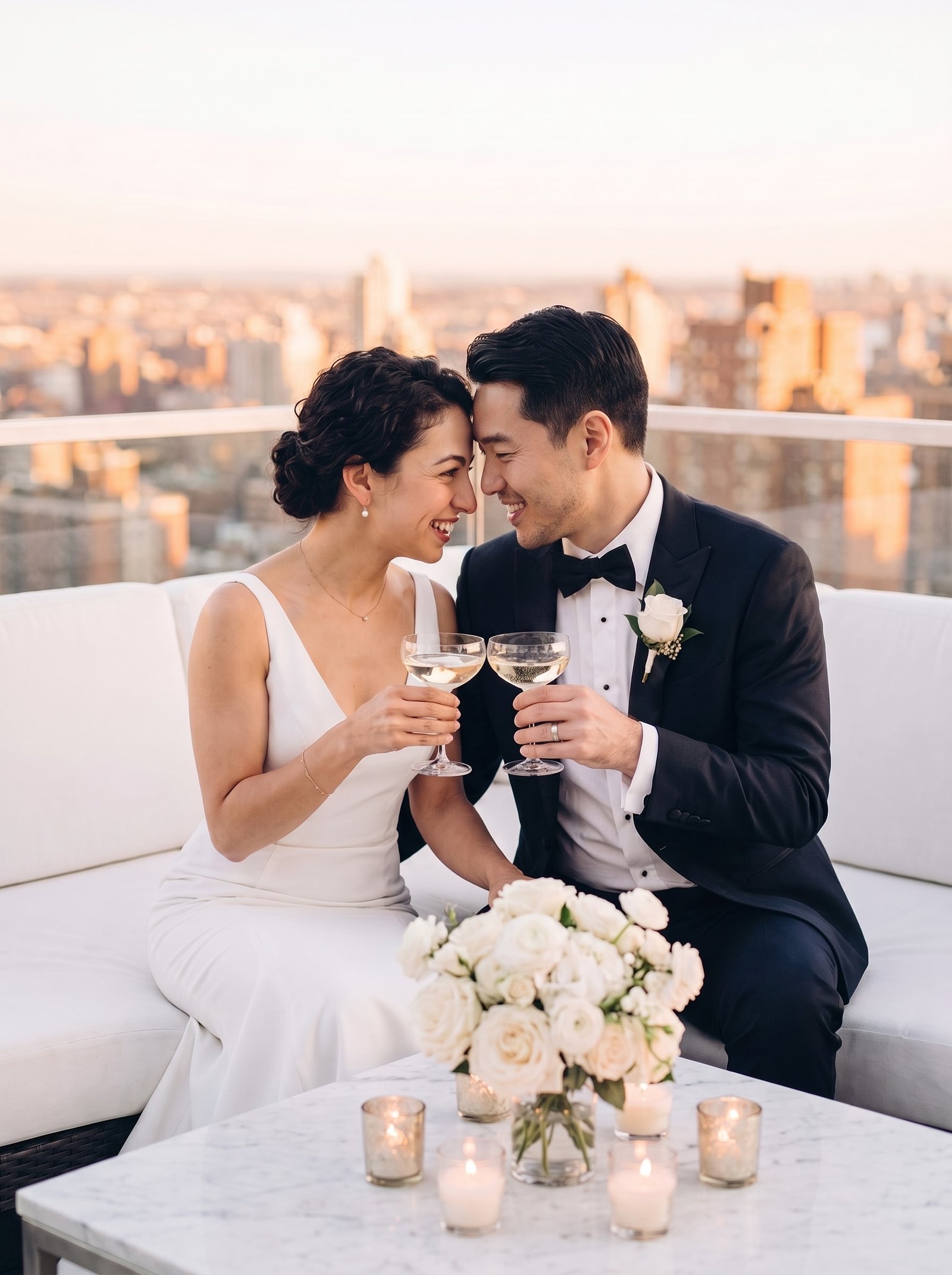
    5. Rooftop at dusk. City lights behind, a coat over her shoulders. Feels like the end of a good date.
    6. Café window. Sit on the same side of the table, shoot through the glass from outside.
    7. Amusement park. Carousel, cotton candy, the Ferris wheel from below. Bring colour into the outfits.
    8. Umbrella in the rain. If the weather turns, use it. Wet pavement doubles your city lights.
    9. Beach at blue hour. After sunset, before dark. Soft, even light and no squinting.

    Destination ideas (the frames people ask about)

    1. Santorini white walls. Blue domes, white steps, a flowing dress.
    2. Paris balcony. Wrought iron, a croissant, the tower somewhere in the haze.
    3. Maldives villa deck. Bare feet, water behind, morning light.
    4. Tropical cliff. Wind in the dress, a long lens from far away so the scale shows.
    5. Vintage car. Sitting on the bonnet or leaning against the door. Add sunglasses.
    6. Ballroom staircase. One step apart, hands joined, looking down at the camera.
    7. Yacht deck. White outfits, blue water, champagne if you like.
    8. Winter cabin. Knitwear, snow, warm light in the window behind.
    Couple on a rooftop at sunset

    How to pick five, not twenty-five

    Most couples use pre-wedding photos in three places: the invitation, a slideshow at the reception, and one or two large prints. Pick one studio idea for the invitation, two outdoor ideas for the slideshow, and one destination idea for the print. The fifth is your laughing frame. That is a complete set.

    If a photographer, a location and a flight are not in the budget

    You can still have the destination and studio frames. AI wedding photo tools like TwoShotPro build these scenes from a handful of your own selfies, keep your faces (a free identity sheet lets you approve the likeness before anything is generated), and deliver finished photos in a few minutes. It is a practical way to get the Santorini frame and the white studio frame without booking either.

    Want photos like these without booking a studio?

    TwoShotPro turns a few selfies into studio, outdoor and destination wedding photos in 2 to 10 minutes. Packs start at $29, and the mobile invitation is free.

    Try TwoShotPro →